

Data sources and connectors
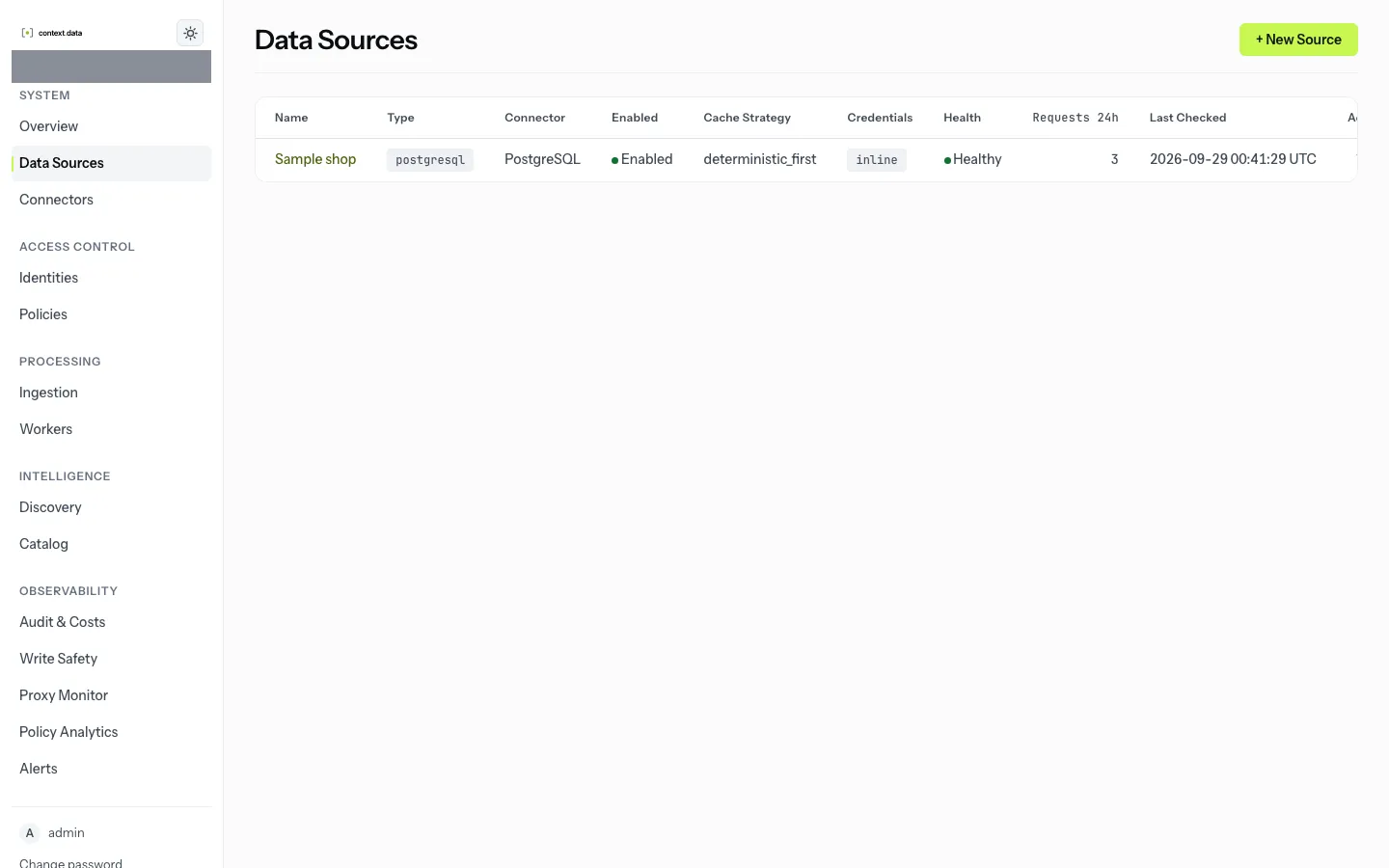
A data source is one system an agent can reach through InterLock: a database, a bucket, a Slack workspace, a GitHub organisation, an HTTP API. Each source is registered on a connector, which knows how to talk to that kind of system, what configuration it needs, and what actions its roles can allow.
Source IDs
Section titled “Source IDs”Every source has an ID that agents use to name it: the database name on the
PostgreSQL wire, the source_id argument over MCP, the first path segment over
HTTP. The console generates it from the display name you give (Sample shop
becomes sample_shop); the API accepts one or generates it the same way. IDs
are lowercase letters, digits, _ and -, and must be valid PostgreSQL
database names.
Connection configuration and secrets
Section titled “Connection configuration and secrets”A source’s connection configuration holds what the connector needs: host,
port, database, bucket, workspace and so on. Secrets should never be stored
literally. Give each as a reference, <field>_ref, which InterLock resolves
when it connects:
| Scheme | Resolves |
|---|---|
env://NAME |
an environment variable of the gateway and workers |
file:///run/secrets/... |
a mounted file under /run/secrets, /var/run/secrets, /etc/interlock/secrets, or the roots listed in INTERLOCK_SECRET_FILE_ROOTS |
vault://path/key |
HashiCorp Vault KV v2 at the default secret mount; the last segment is the key. Needs the hvac package, which the published image does not include |
aws-sm://name#json_key |
AWS Secrets Manager; #json_key is optional |
Stored configuration is shown with secrets masked, and a probe that fails never echoes the credential.
Connector activation
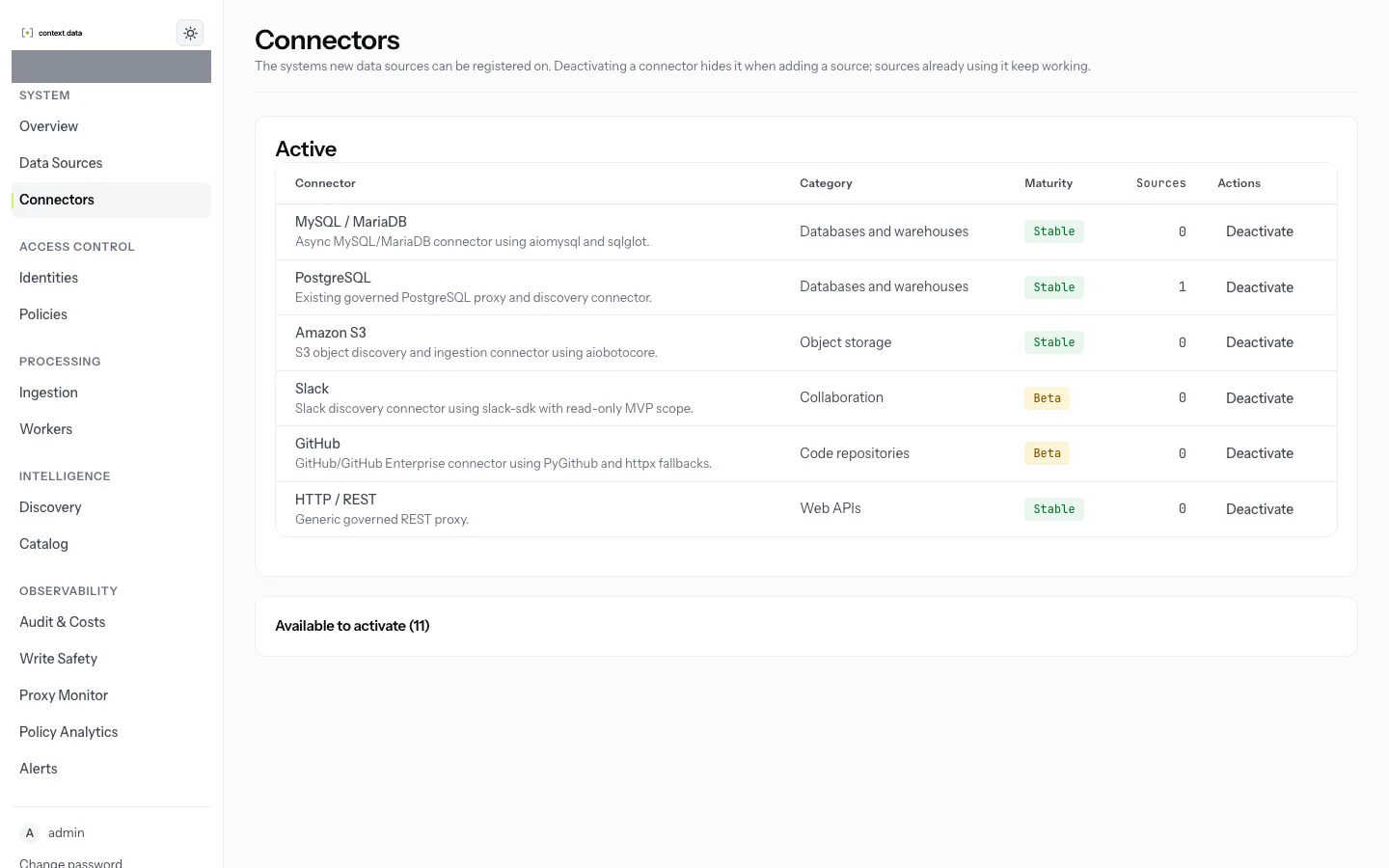
Section titled “Connector activation”A new source can only be registered on an active connector. A fresh
deployment starts with PostgreSQL, MySQL, Amazon S3, Slack, GitHub and
HTTP/REST active. A source admin can activate other connectors on the
Connectors page; each change is audited. Deactivating one stops new
registrations only: existing sources keep working. Connectors marked planned
have no working adapter and can never be activated.
Which connectors are stable, beta or planned, and what each has been certified against, is in the connector support matrix. Each connector’s configuration keys and default roles are in Connectors.
Upstream TLS
Section titled “Upstream TLS”In production a PostgreSQL source is only served over verified TLS:
sslmode must be verify-full or verify-ca, with the CA given as ssl_ca.
Test Connection and save both refuse anything weaker, so a source cannot be
saved in a state the gateway would refuse.