

Write policy rules
Policies > New Policy:
- Name and Priority: rules are checked highest priority first, and the first that matches decides.
- When all of these match: Source ID, Operation (
read,write,discovery), Source role keys, Identity roles, Tables, Columns (deny rules). Leave a field blank to match anything. - Effect:
allowordeny. - Rate limit per minute and Redact columns (applies to MCP and HTTP, not the PostgreSQL wire).
- Conditions JSON and Actions JSON accept the full forms, including a
write-risk cap:
{"effect": "allow", "write_risk_cap": "medium"}refuses high-risk writes outright instead of queueing them.
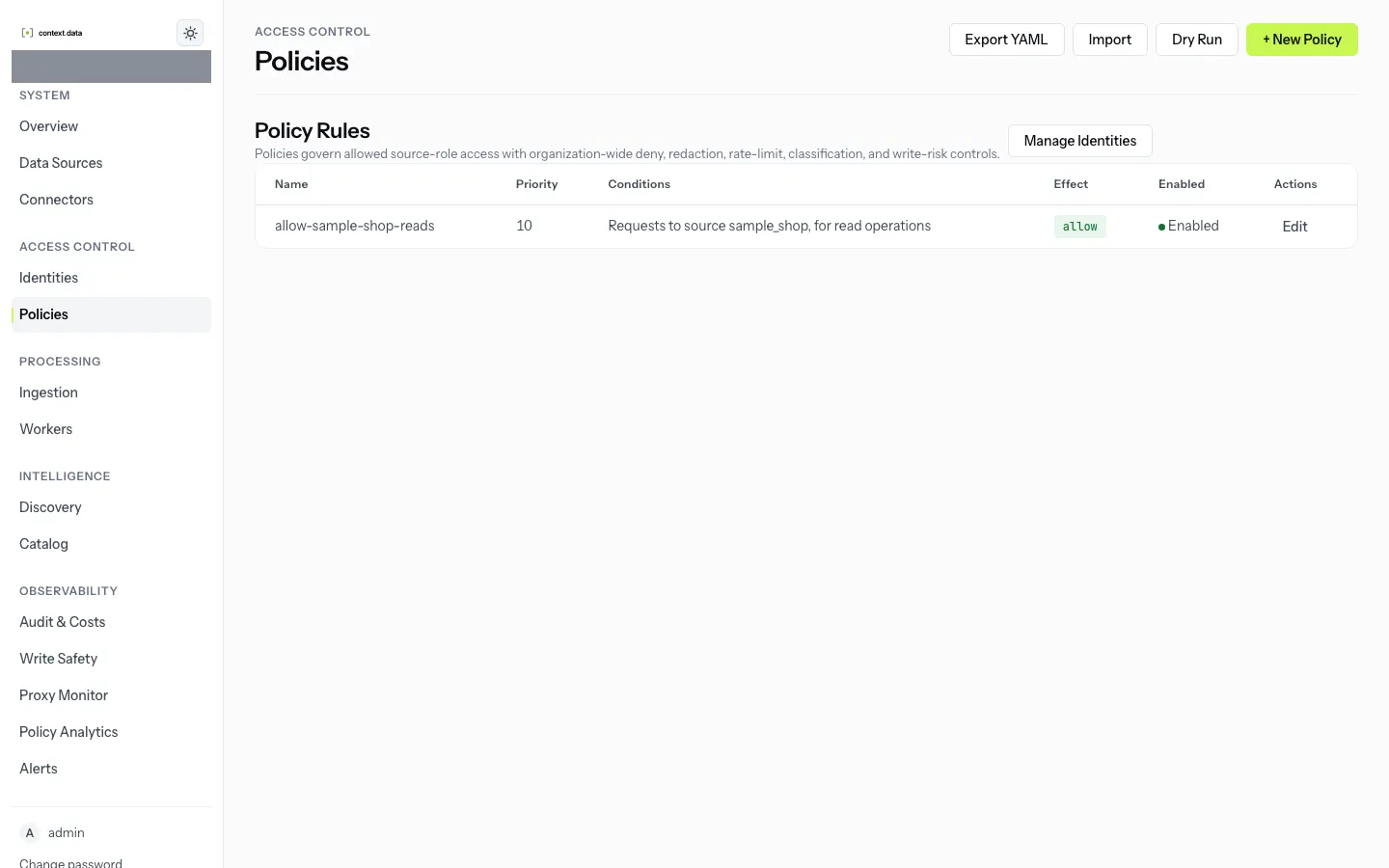
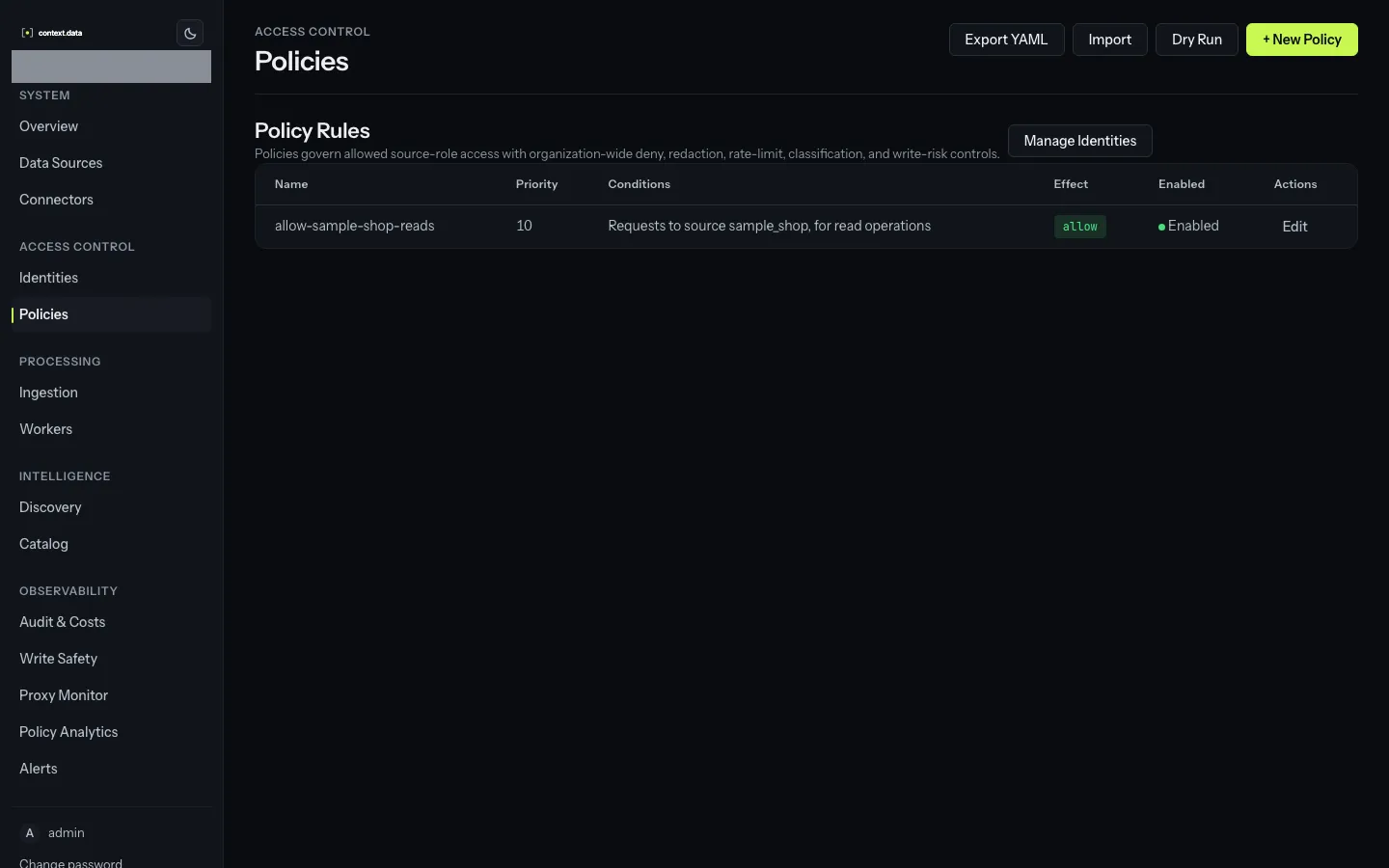
Table and column fields suggest names from the catalog, and the form warns
about names it does not know or that are ambiguous. POST /api/policies/validate
runs the same checks.
Remember that a request no rule matches is denied: keep at least one
allow rule covering the traffic you expect, and put narrower deny rules
above it. Test a rule with dry-run on the Policies page before relying on
it. A source’s page lists the rules that apply to it in order.
The API is POST /api/policies, PUT and DELETE /api/policies/{id}. Rules
are explained in Policies.