

Quick start
This runs InterLock and a small sample shop database with Docker Compose, then
walks one agent from nothing to a governed, redacted, audited query. It takes
about ten minutes. You need Docker with Compose, curl, and optionally psql.
1. Start it
Section titled “1. Start it”From a clone of the repository:
docker compose --profile quickstart up -d --waitThis starts the gateway, the admin console, two workers, PostgreSQL and Redis
for InterLock itself, and sample-postgres, a database named shop with
customers and orders tables. Every port binds to 127.0.0.1 only:
| Service | Address |
|---|---|
| Admin console | http://127.0.0.1:9090 |
| Gateway, HTTP and MCP | http://127.0.0.1:3001 |
| Gateway, PostgreSQL wire | 127.0.0.1:5434 |
2. Sign in and set a password
Section titled “2. Sign in and set a password”Open http://127.0.0.1:9090 and sign in as admin with the password admin.
The console asks for a new password straight away (at least 12 characters) and
opens nothing else until you set one.
3. Register the sample database
Section titled “3. Register the sample database”The sample database lives on the Compose network, which is a private address,
and a source on a private address has to allow that explicitly. The console
form has no such option, so this step uses the admin API. Put the password you
just chose in ADMIN_PASSWORD:
ADMIN=http://127.0.0.1:9090curl -sS -c cookies.txt -X POST "$ADMIN/auth/login" \  --data-urlencode username=admin --data-urlencode "password=$ADMIN_PASSWORD"CSRF="$(curl -sS -b cookies.txt "$ADMIN/auth/csrf" | python3 -c 'import json,sys; print(json.load(sys.stdin)["csrf"])')"
curl -sS -b cookies.txt -X POST "$ADMIN/api/data-sources" \  -H "X-CSRF-Token: $CSRF" -H 'Content-Type: application/json' \  -d '{"name": "Sample shop", "source_type": "postgresql", "connector_key": "postgresql",       "connection_config": {"host": "sample-postgres", "port": 5432, "database": "shop",         "user": "shop_reader", "password": "shop-reader-dev-only",         "allow_private_egress": true}}'
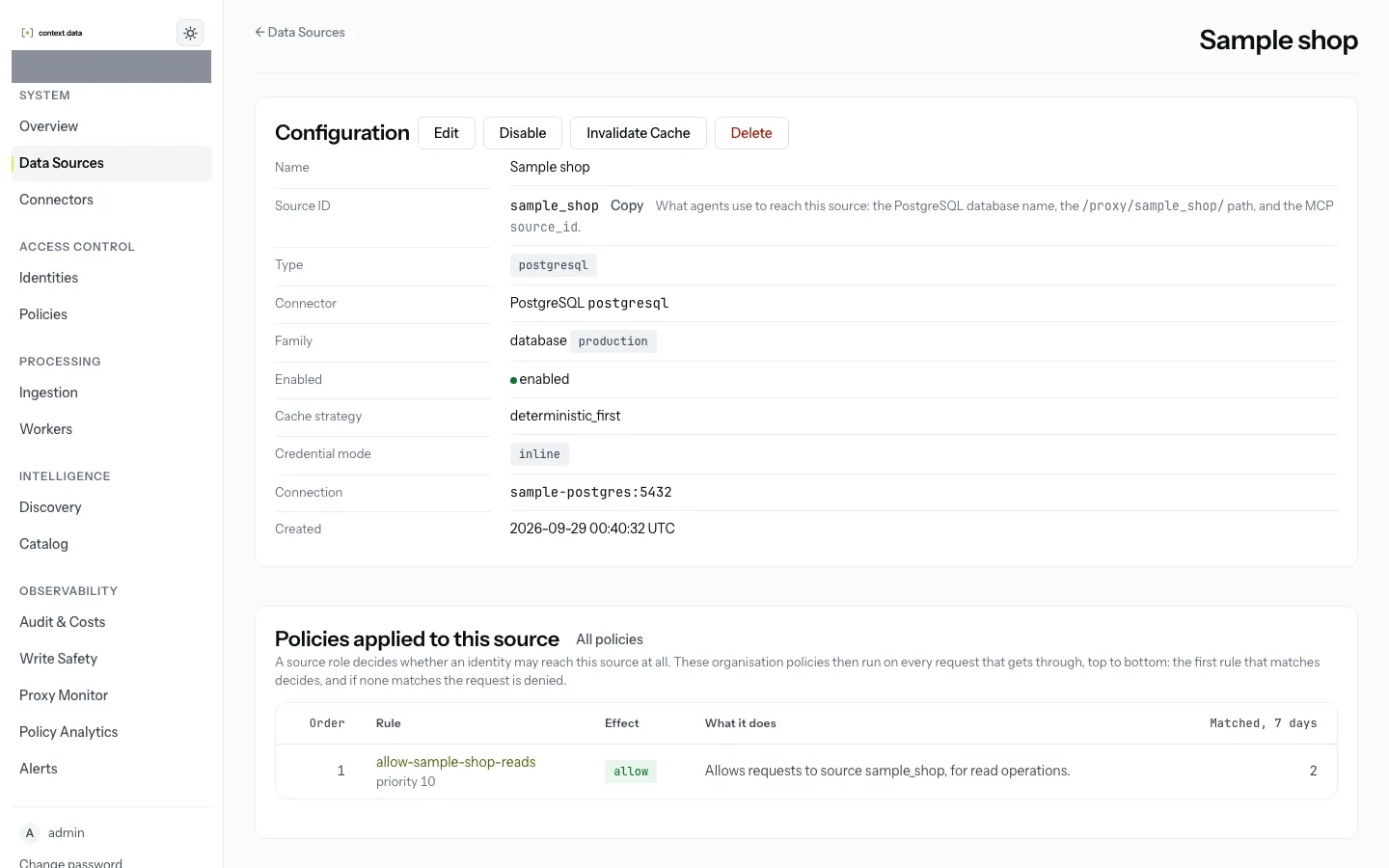
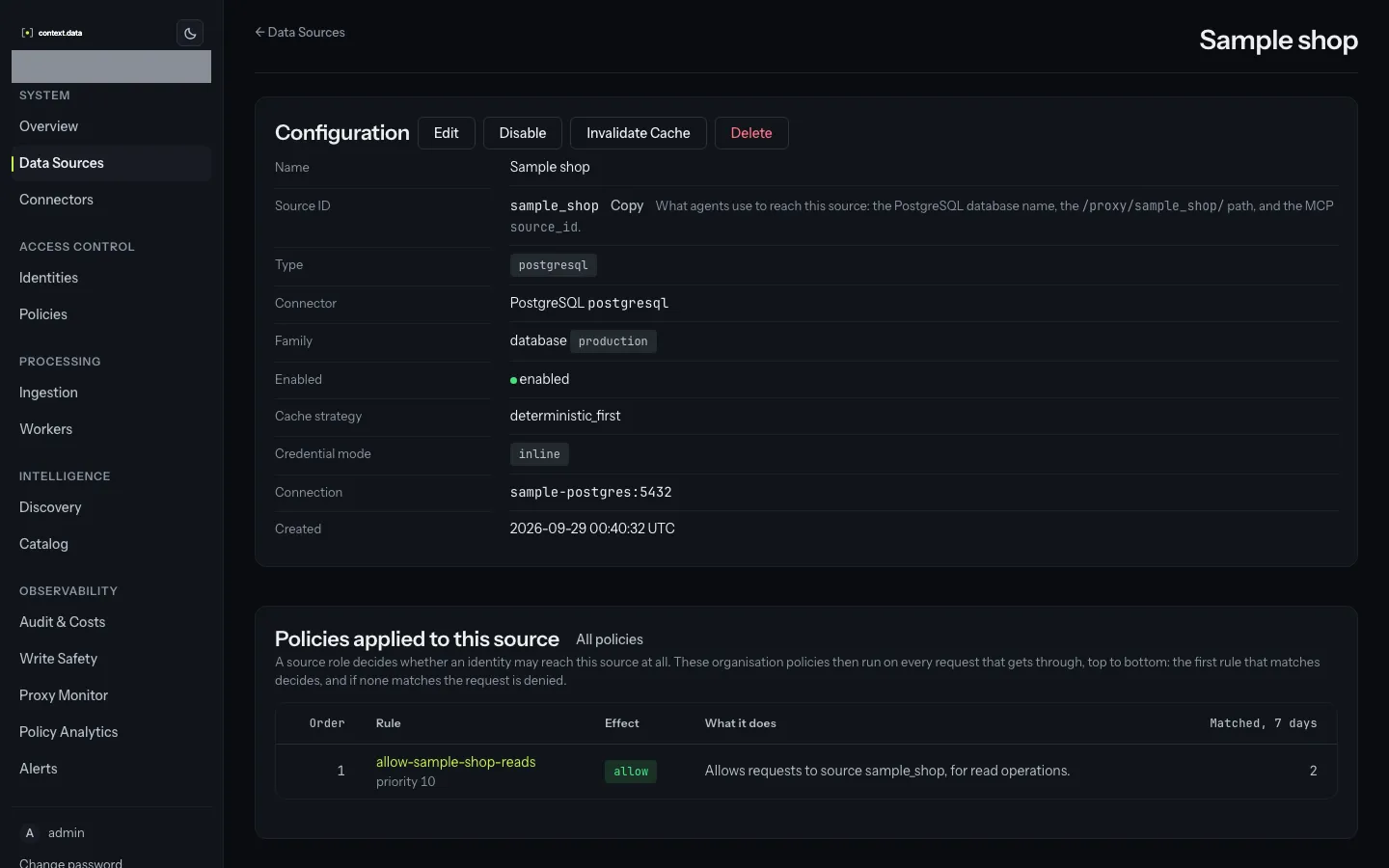
The source is created as sample_shop: the ID is generated from the name, and
agents use it to name the source. Back in the console, Data Sources now
lists it; open it and use Test Connection to confirm InterLock can reach it.
4. Give it a role
Section titled “4. Give it a role”A source role lists what an agent granted it may do. On the Sample shop page, under Source Roles, choose New Role:
- Role key
reader, NameReader. - One statement: effect allow, action db.table.select, resource type
db.table, pattern
public.*.
Save it.
5. Allow reads by policy
Section titled “5. Allow reads by policy”Policies are checked after roles, in priority order (higher first); the first rule that matches decides, and a request no rule matches is denied. Open Policies, choose New Policy, and create:
- Name
allow-sample-shop-reads, Priority10. - Source ID
sample_shop, Operationread. - Effect
allow.
6. Create an agent and its key
Section titled “6. Create an agent and its key”Open Identities, choose New Identity:
- Name
quickstart-agent, Agent typeclaude_code. - Under Source access, add Sample shop with the Reader role.
- Leave Auto-generate API key ticked and save.
The key is shown once. Copy it into API_KEY.
7. Send a governed query
Section titled “7. Send a governed query”With psql, the database name picks the source and the API key is the
password:
PGPASSWORD="$API_KEY" psql "host=127.0.0.1 port=5434 user=agent dbname=sample_shop sslmode=disable" \ -c "SELECT name, email, plan FROM customers ORDER BY id LIMIT 3" name | email | plan-------------+------------------+------------ Ada Park | [REDACTED:EMAIL] | team Ben Okafor | [REDACTED:EMAIL] | free Chloe Varga | [REDACTED:EMAIL] | enterpriseThe email addresses left the database and were redacted on the way out. The same query over MCP:
curl -sS http://127.0.0.1:3001/mcp \ -H "Authorization: Bearer $API_KEY" -H 'Content-Type: application/json' \ -H 'Accept: application/json, text/event-stream' -H 'MCP-Protocol-Version: 2025-11-25' \ -d '{"jsonrpc": "2.0", "id": 1, "method": "tools/call", "params": {"name": "interlock_query", "arguments": {"source_id": "sample_shop", "sql": "SELECT name, email FROM customers LIMIT 3"}}}'Now try a write the role does not allow:
PGPASSWORD="$API_KEY" psql "host=127.0.0.1 port=5434 user=agent dbname=sample_shop sslmode=disable" \ -c "DELETE FROM orders WHERE id = 1"It is refused with Source role denied, and nothing reaches the database.
8. See what happened
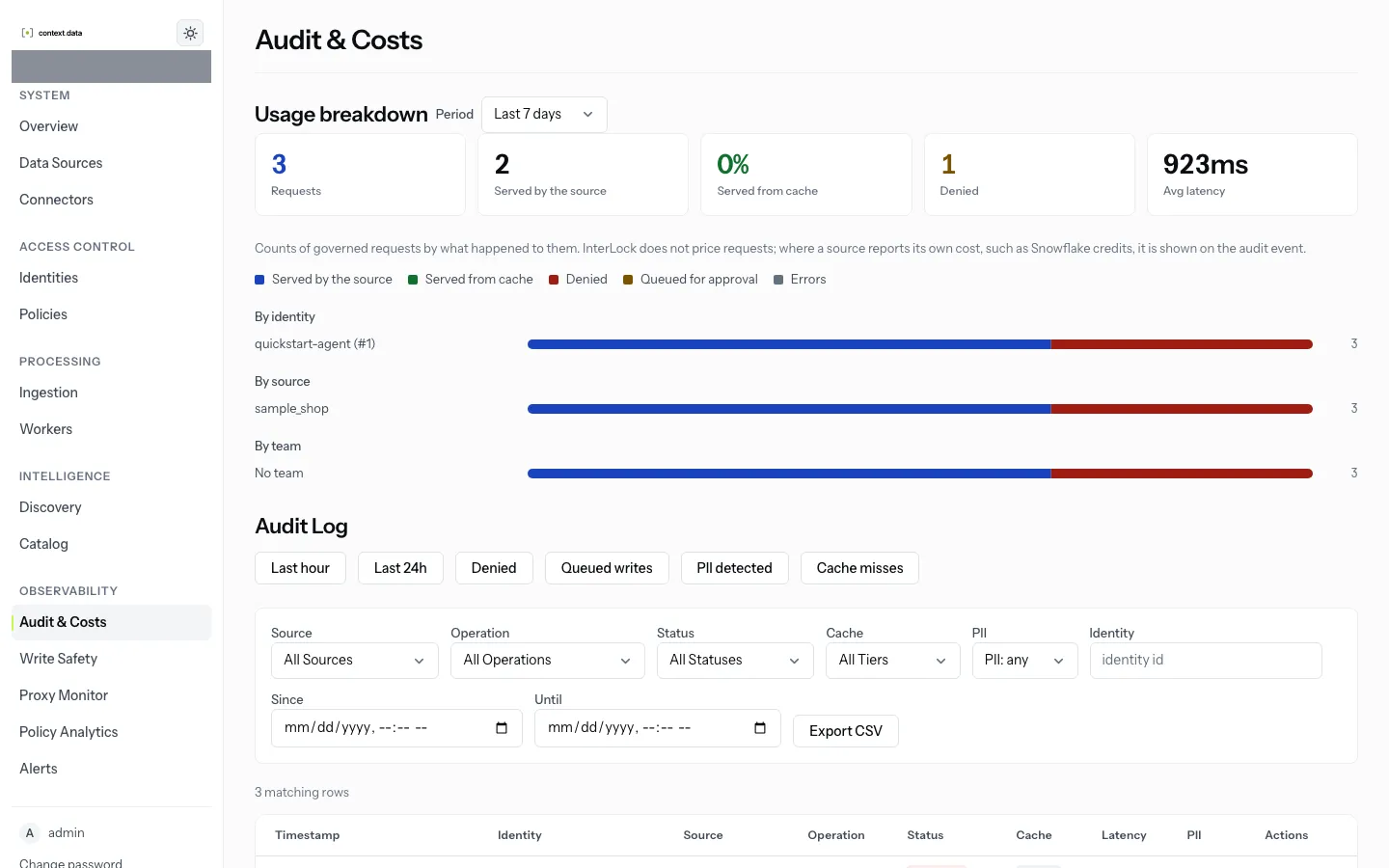
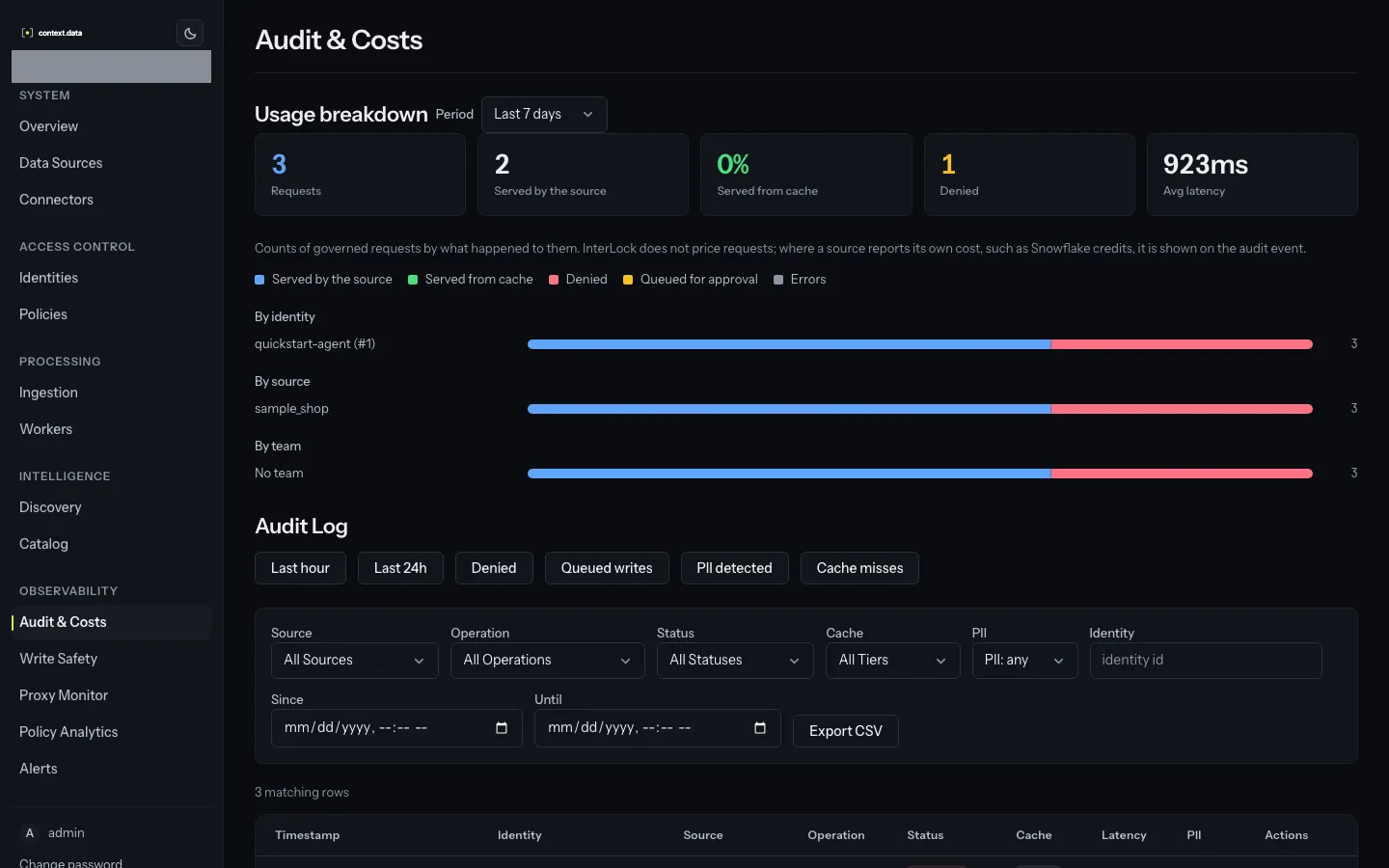
Section titled “8. See what happened”Open Audit & Costs. Each query is a row: the identity, the source, the protocol, whether it was allowed, and whether PII was redacted. The refused delete is there too, marked denied.
- First governed query from Claude Code: connect a real agent to the same source.
- Concepts: how the pieces fit together.
- To stop everything:
docker compose --profile quickstart down. Add-vto delete the data as well.