

What is InterLock
InterLock is a proxy between AI agents and the data they use. An agent connects to InterLock instead of to a database or an API, using a protocol it already speaks: the PostgreSQL wire protocol, HTTP, or MCP. InterLock decides whether each request is allowed, shapes it, forwards it, redacts what comes back, and records what happened.
What it does on every request
Section titled “What it does on every request”- Authenticates the agent. Each agent has its own identity and API key, so every request is attributable.
- Authorizes it with source roles. A role granted on a source lists what the agent may do there, down to tables and columns for SQL sources. Anything not allowed is denied.
- Applies policy. Policy rules can deny, redact, rate-limit or cap the risk of writes on top of what roles allow. A policy never grants access by itself.
- Holds risky writes for a person. SQL writes are classified by risk; a medium or high risk write waits in an approval queue until a reviewer approves or rejects it.
- Redacts sensitive values. Responses are scanned for PII such as email addresses and national identifiers, and policies can redact named columns.
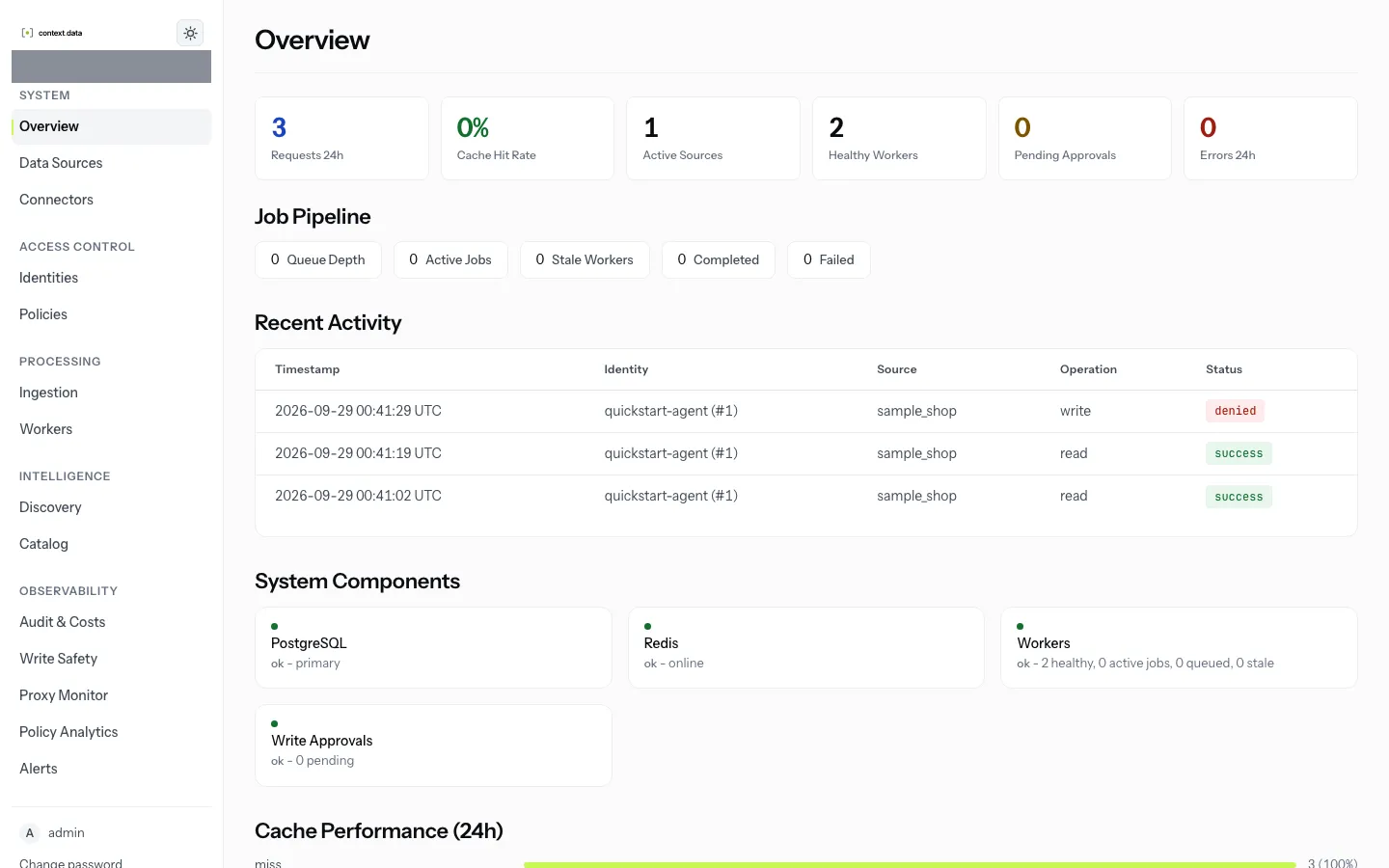
- Audits everything. Every request, allowed or denied, leaves a row saying who asked, what for, on which source, and what was decided.
It also caches repeatable reads, keeps a catalog of each source’s structure, and indexes documents for discovery.
What it is not
Section titled “What it is not”- Not a database. InterLock holds its own configuration and audit log; your data stays where it is.
- Not a replacement for upstream permissions. Table- and column-level rules are enforced by parsing the SQL an agent sends. A database function or view can still reach data the statement never names, so give InterLock a database login with no more access than you intend to govern. See Security model.
- Not finished. InterLock is in release candidates for 1.0. The feature status page says which capabilities are stable, beta, disabled or planned, with the evidence for each.
- Quick start: run it locally and send a first governed query in about ten minutes.
- Architecture: the services and how a request flows through them.